
April updates on the QuintaDB service
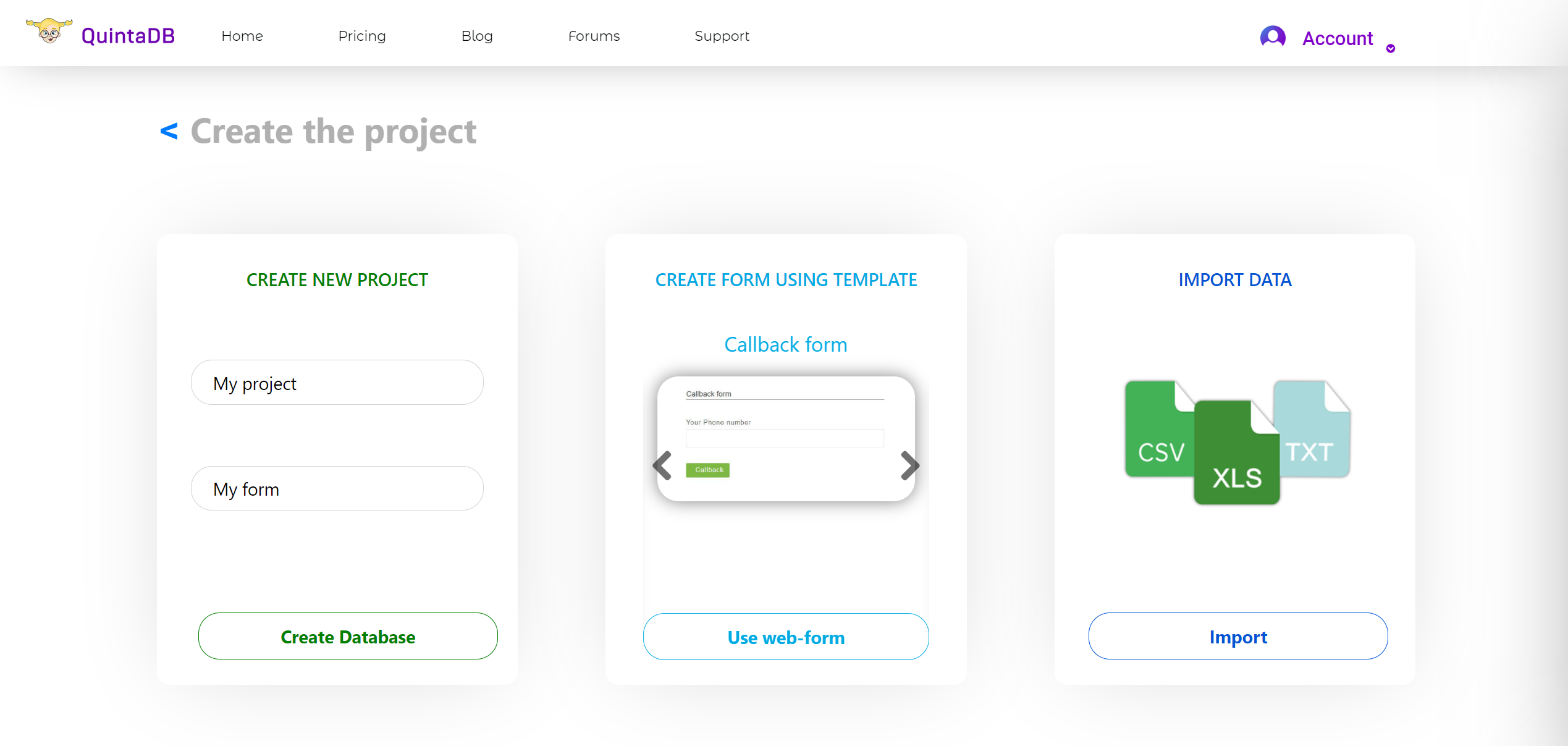
The new project creation page:
Tiled project page interface:
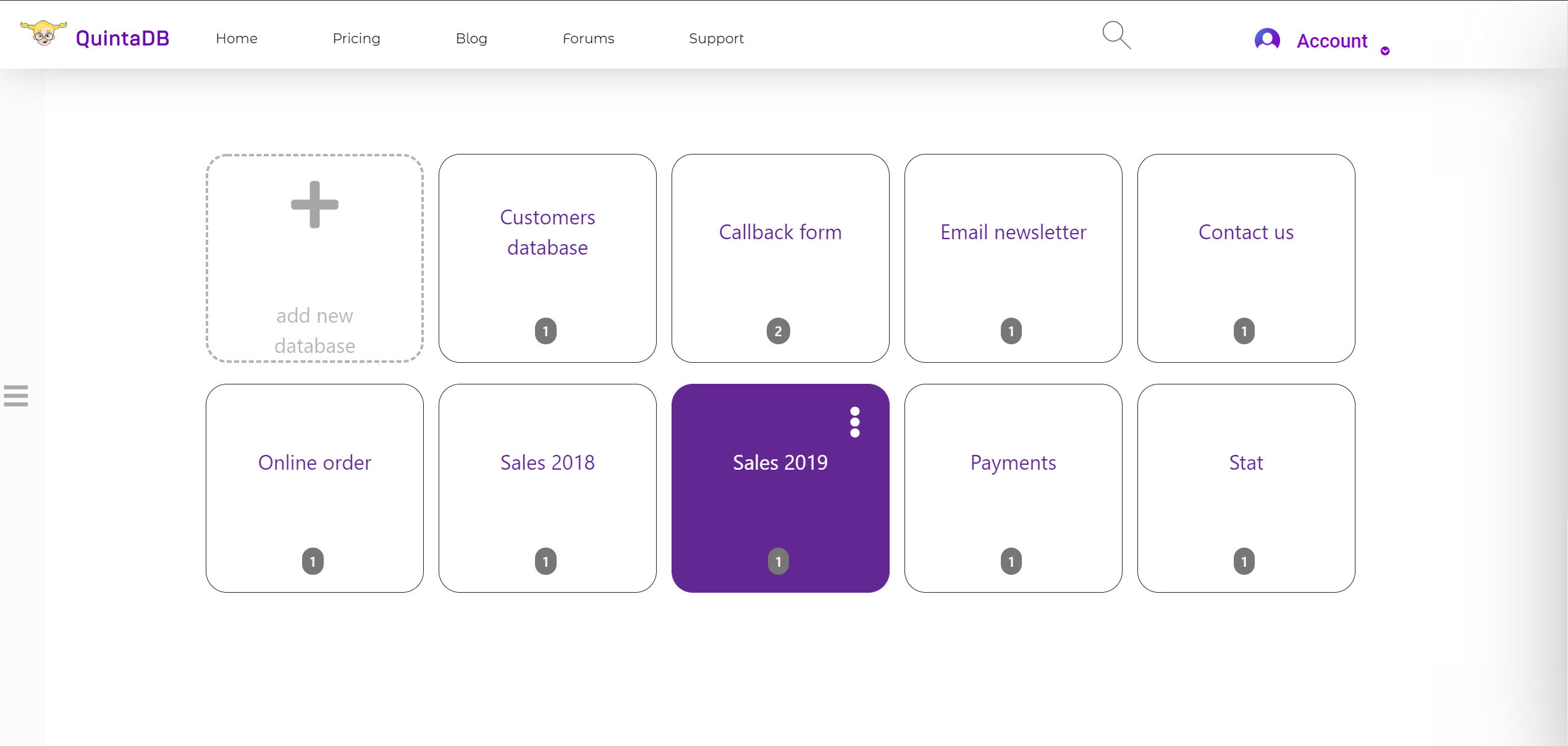
Read more about the new interface here.
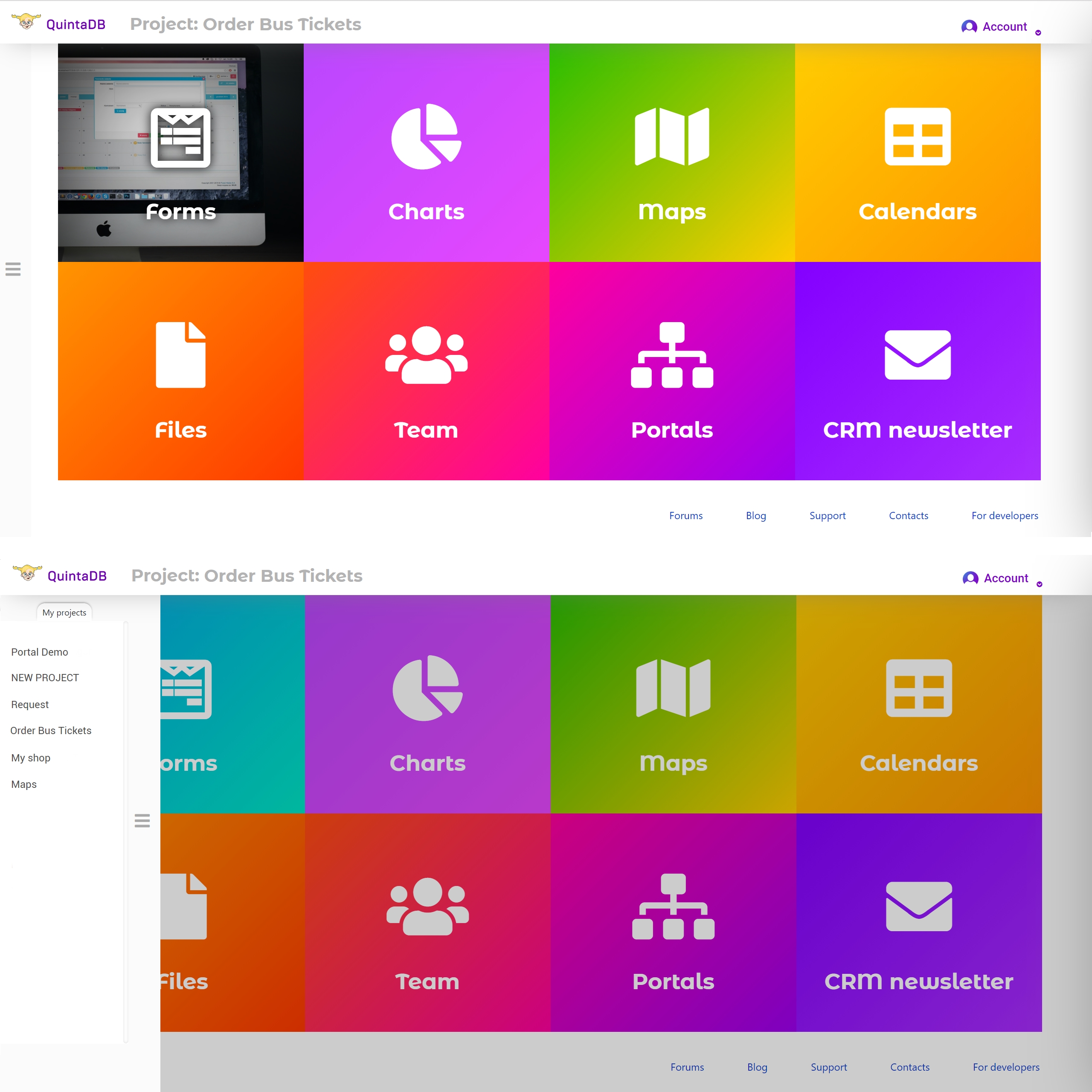
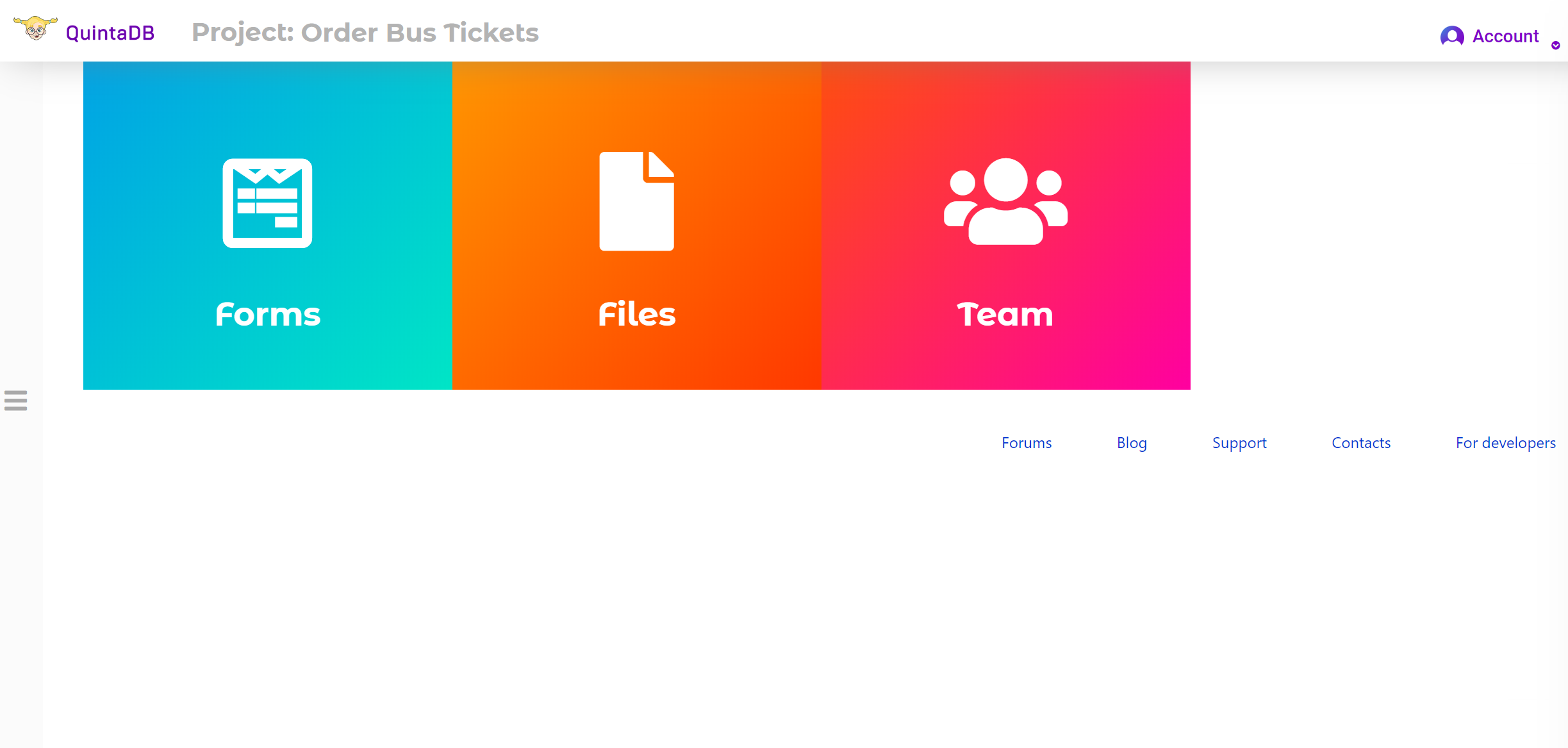
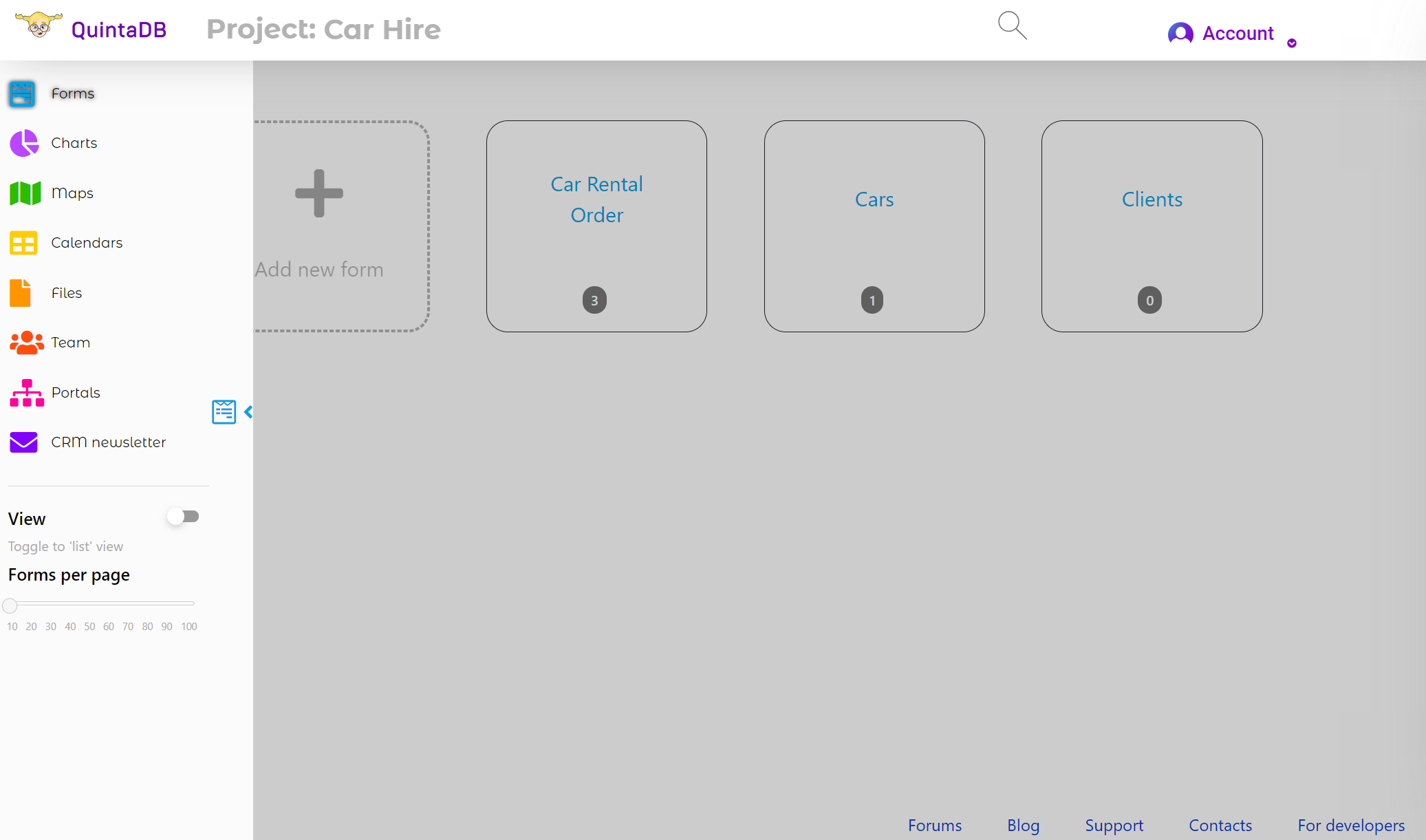
When you open the project, you’ll be taken to Modules page. Here you can choose the module which you want to work with.
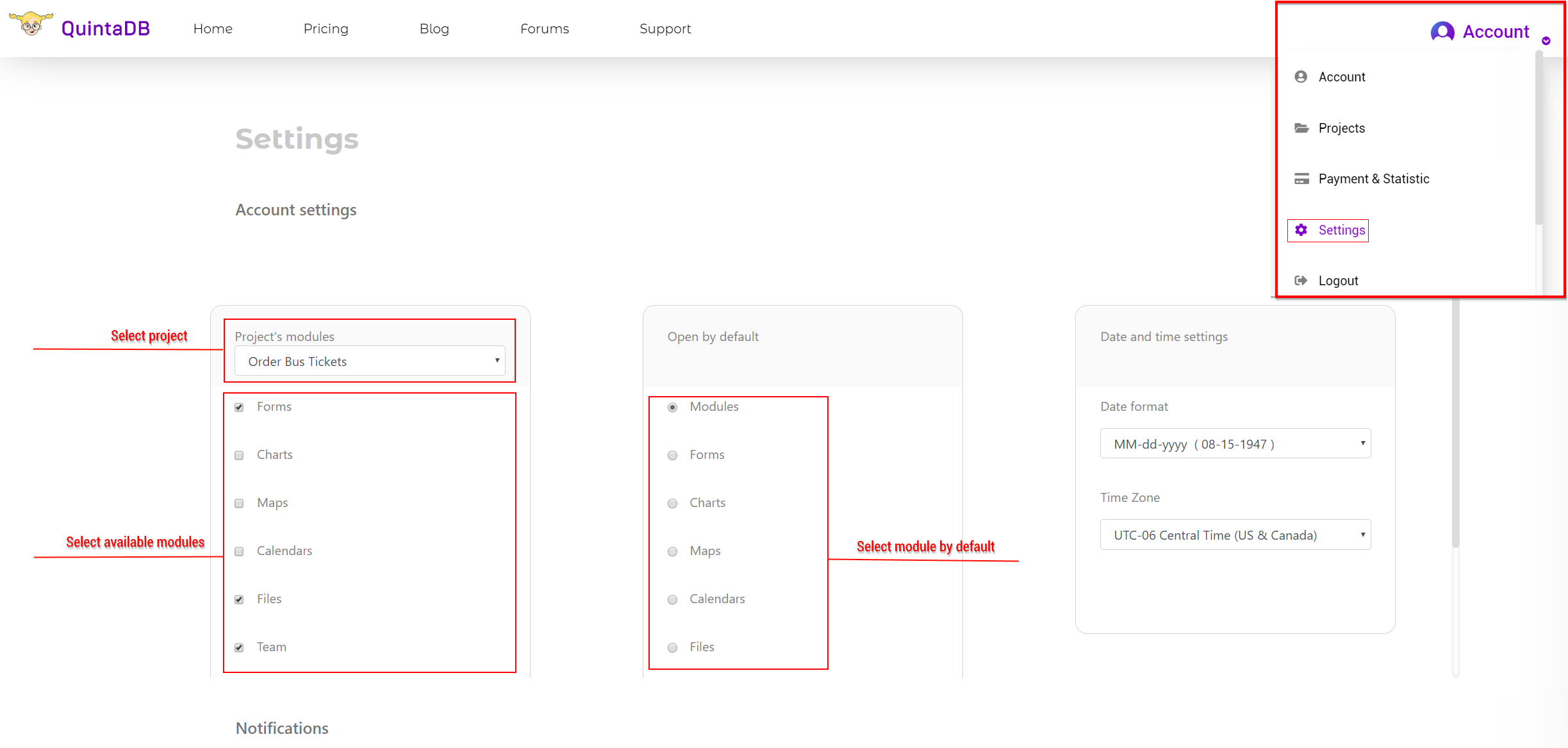
You can disable those modules, that you don't use in the Settings menu - Account tab.
You can also assign a module by default, and you will get into it, skipping the Modules page after opening a project.
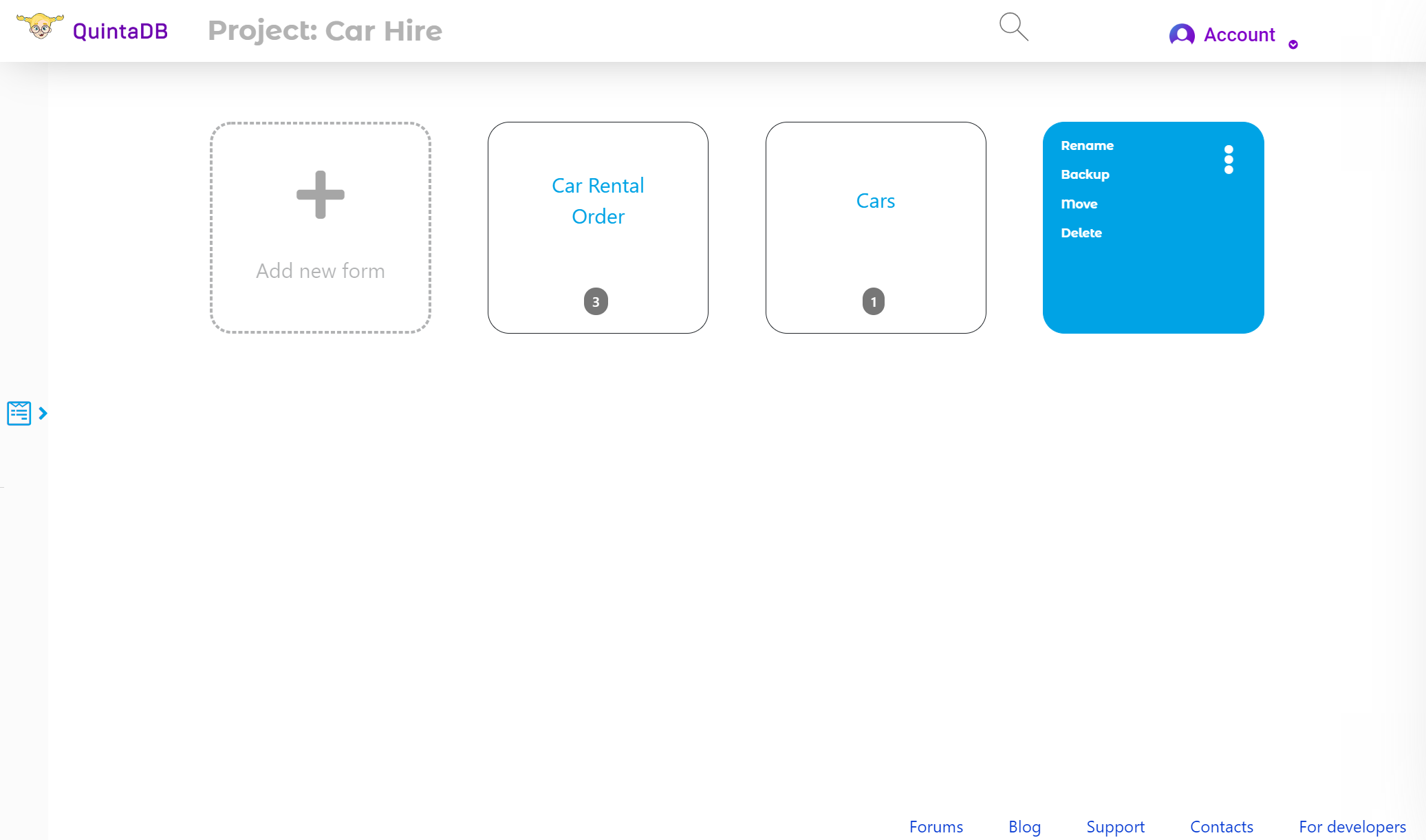
Project with disabled modules:
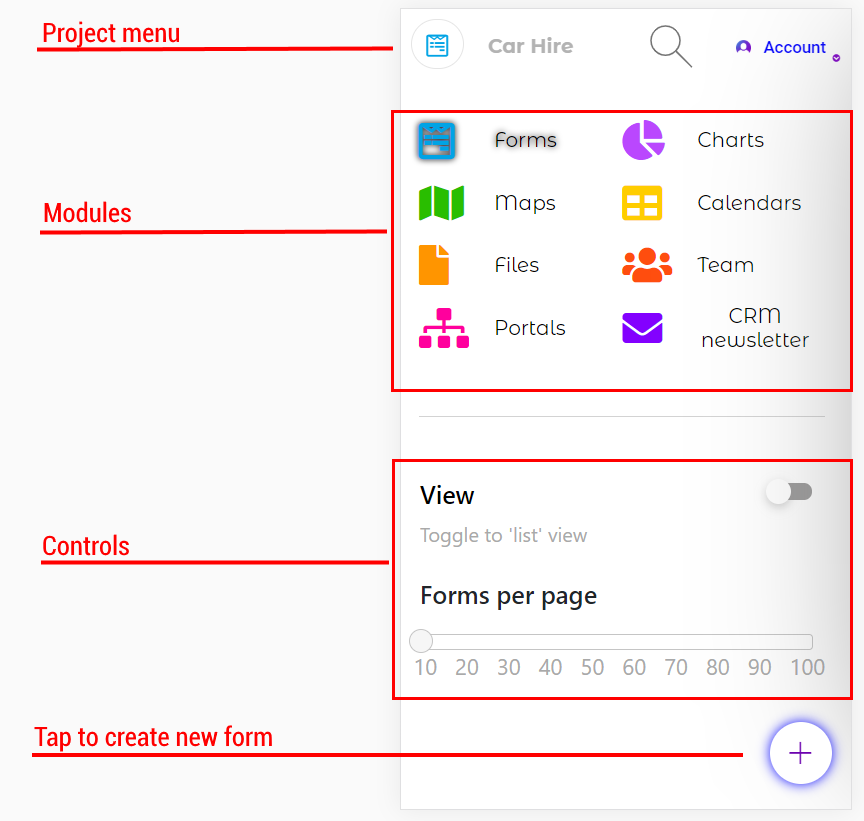
Mobile device view:

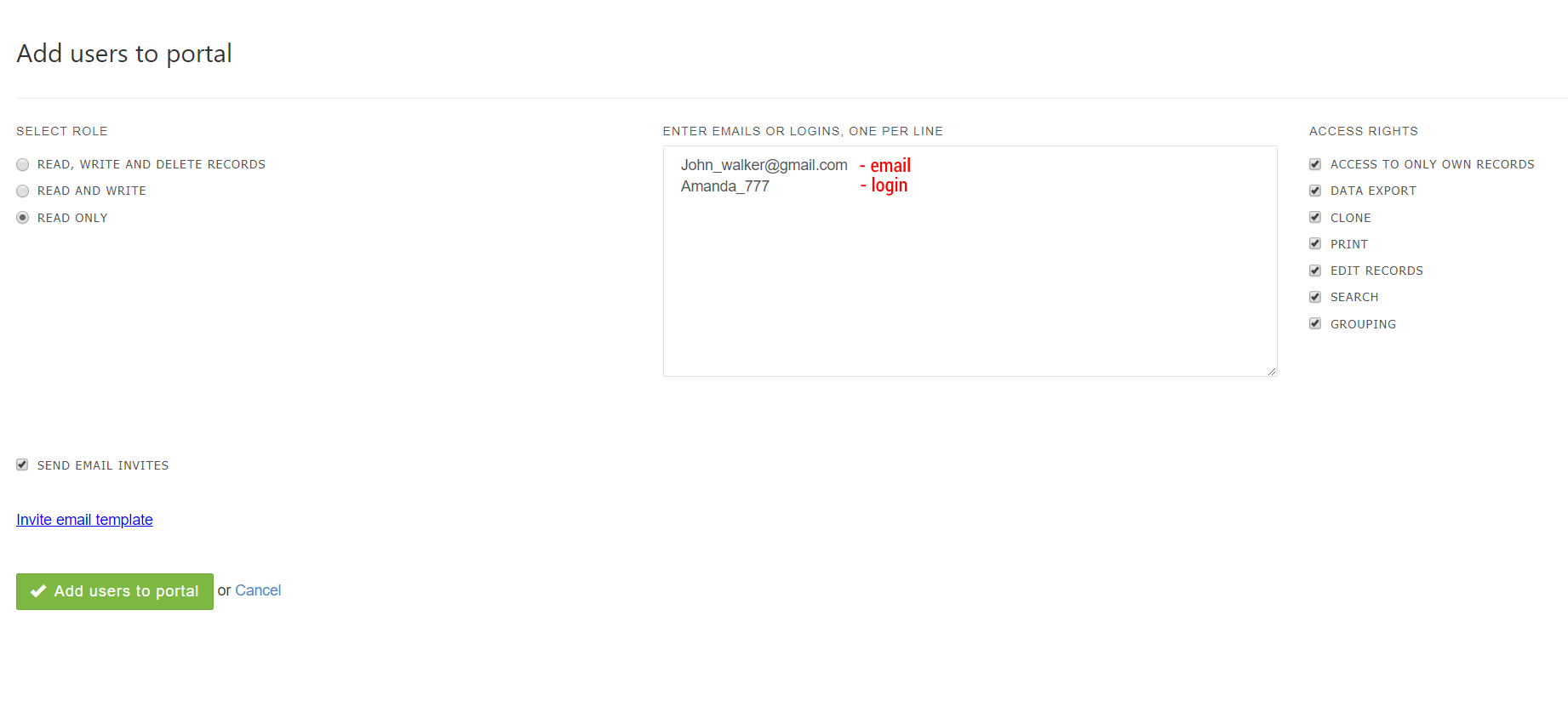
The user's password is matches with the email or login by default. You can edit portal user's account in the 'Users' tab.