
English Flag English Italiano Flag Italiano Español Flag Español Français Flag Français Deutsch Flag Deutsch Português Flag Português Ελληνικά Flag Ελληνικά Nederlands Flag Nederlands Polski Flag Polski Čeština Flag Čeština 中文 Flag 中文 日本語 Flag 日本語 हिन्दी Flag हिन्दी اللغة العربية Flag اللغة العربية Русский Flag Русский Українська Flag Українська עִברִית Flag עִברִית Türk Flag Türk Latvietis Flag Latvietis Dansk Flag Dansk Norsk Flag Norsk Íslenska Flag Íslenska 한국어 Flag 한국어 Suomen Flag Suomen Gaeilge Flag Gaeilge Bahasa Melayu Flag Bahasa Melayu Svenska Flag Svenska
User IconLog In
English Flag English

Log In


Calendars

In QuintaDB you can show the data from the table or report as a Calendar.

In QuintaDB you can show the data from this tables in the Calendar view.

Using the "Lesson Schedules" table as an example, we will show how to create a Calendar.

Open the app:

Go to the "Calendars" module using the leftside menu:

Create a new calendar and specify the data source:

Select the Table or Report, select the column with event's start date and with event's end date:

Select data source

Also, you can customize:

  • Date title - it can be a column from a table/report or custom text.
  • Text on date mouse over - it can be a column from a table/report or custom text.

Date title

  • On click action (what to do on click) - "Do Nothing", "Open Record Widget", "Edit record", "Open URL from column", "Open URL (custom)".

On click settings

Customize the colors for the data source:

Colors settings

General settings:

calendar's settings

Choose a calendar theme from the list:

If you activate "Сhange the date & time on the Calendar", you can drag the date:

Сhange the date & time on the Calendar

The option "Allow a user to highlight multiple days or timeslots":

Allow highlight

Another options to customize:

Another calendar options

To embed the calendar widget, go to the "Integration" tab:

Integration tab

Read how to add a search form to the calendar by this link.
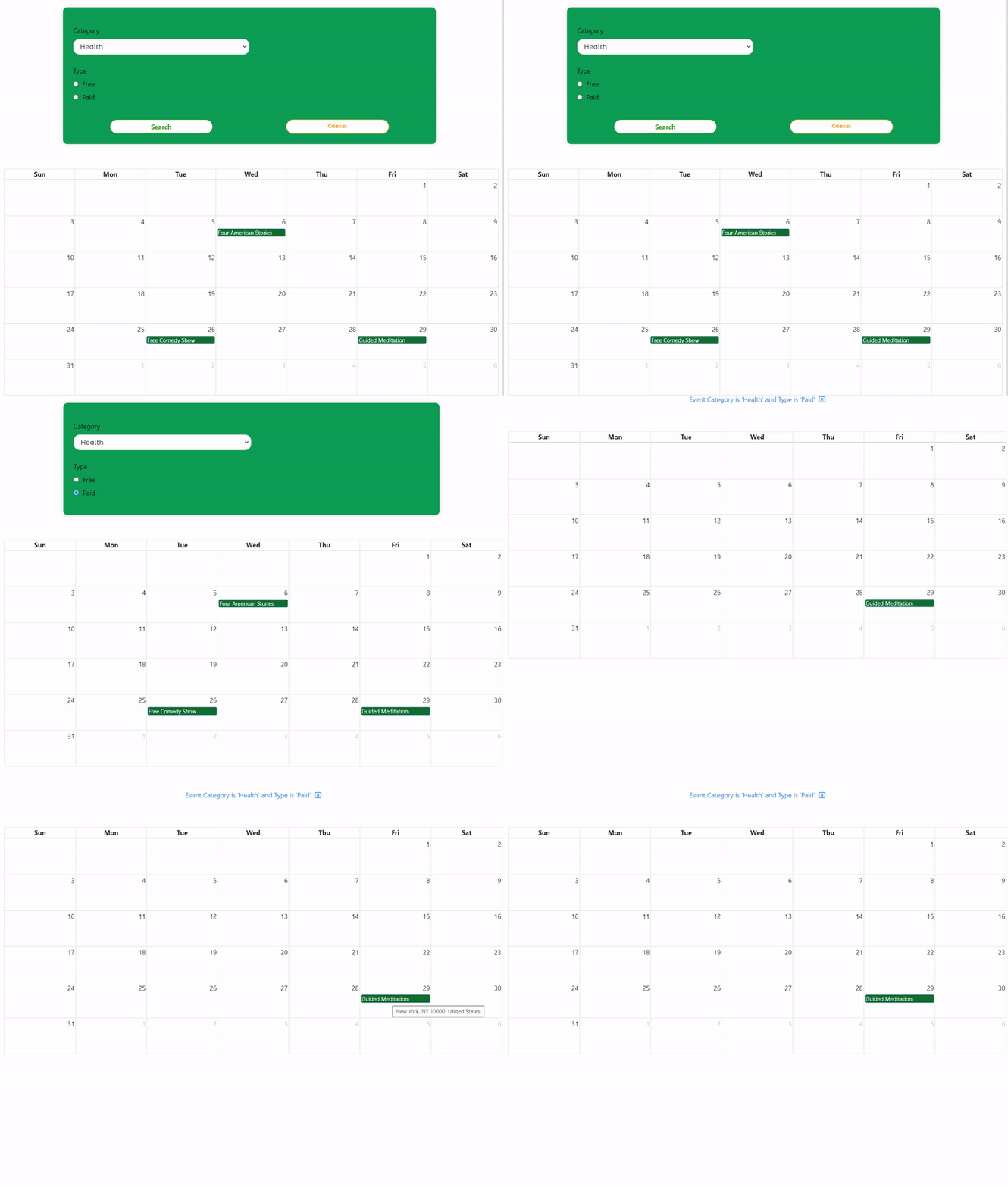
custom calendar search form

Need a Professional Online Calendar?

Visualize your database records, manage bookings, and embed interactive schedules into your website.

Explore Calendar Solutions